
How To Use Tester Codes on Ravelry
Step-by-Step Tutorial
I'm writing this blog post mainly for my crochet pattern testers, but figured it would be useful for anyone who'd like to test patterns for a designer and has been asked to make a project on Ravelry and use the Pattern Tester Code.
I generally ask my crochet pattern testers to upload their photos onto Ravelry so others can see what the project looks like when made by different people. This also allows my testers to keep track of the projects they've tested.
So iff you’re helping a designer test their new crochet or knitting pattern on Ravelry, you may receive a tester code.
This special code allows you to mark your project as a test, so designers can track your progress and collect feedback.
In this guide, I'll show you how to use your tester code step by step.
Would you like to join the next pattern test?

Become a Crochet Pattern Tester

Would you like to become a tester for crochet patterns designed by Start Crochet? If so, please click the button below.
What Is a Ravelry Tester Code?
A Ravelry tester code usually looks something like this: TEST-MS-2PT4J8
This is a unique code that designers give to testers. When you create a project on Ravelry using the code given to you by the designer, it shows that your project is part of a pattern test.
This helps designers:
- Track who is testing their pattern
- See test results before the pattern is published
- Collect tester feedback in an organized way.
Without a tester code, your project might not be recognized as part of the test. And also, the tester code only works if the pattern is still in testing. Once the pattern is published, you can't use the tester code anymore.
What you can do if you missed the deadline is simply add your photos in a regular Ravelry project. In this case, you won't have to add your tester code.

Why Designers Use Tester Codes
We as designers rely on tester codes to keep our pattern testing organized. Tester codes help us:
- Identify which projects belong to the test group
- Manage multiple testers and versions of a pattern
- Gather feedback and see the tester photos.
As a tester, entering the code correctly is essential to make your feedback count.
How to Enter a Tester Code on Ravelry
Here’s what you need to do to enter your tester code:
Step 1: Find Your Tester Code
The designer usually sends the code via email, direct message, or within a test group post. Keep it handy before starting your project. I've hosted my tests on various platforms, so what I do is pin the link to my pattern and the tester code to the top of the Tester Group Chat.

Step 2: Go to Your Project Page
Create a Ravelry account if you don't have one already.
Log in to Ravelry and click on "My Notebook" in the top right corner of the menu bar, then "Projects".
If you haven’t started the project yet, create a new project for the pattern you are testing.
Click on "Add a Project".

Step 3: Enter the Tester Code
On the project page, you'll find 2 spaces to write something:
1. Name Your Project
2. Enter the Pattern Name
I know this is confusing, but let me explain.
For # 1, you write the name of the pattern you are testing. You can say "Test for Easy Crochet Headband" or something like that.
For # 2, you paste the TEST CODE. It's usually an alpha-numberic code with the word TEST- in front of it (eg. TEST-MS-2PT4J8)

You won't see the same photos on your project page. Yours will have the photos of the patterns you have worked on.
Step 4: Add Project Info
On this page, you can add your project info, photos and write notes about the project.
Once you're done filling it all out, click "Save" at the bottom of the page.

Step 5: Save and Track Your Project
Click Save or Update Project. Your project will now be linked to the pattern test, which will let the designer see your progress and feedback.
Tips for Testers When Using a Code
- Double-check the code for typos before submitting
- Update your project regularly so the designer can track progress
- Include notes about any errors, confusing instructions, or suggestions
- Respect the designer’s deadlines for feedback
Become a Crochet Pattern Tester
Would you like to become a tester for crochet patterns designed by Start Crochet? If so, please click the button below.
How Tester Codes Help Designers Improve Patterns
By using tester codes, designers can quickly identify which projects are part of the test and which are regular projects. This helps them:
- Spot errors in the pattern before publishing
- Receive diverse feedback from multiple testers
- Improve the final pattern for accuracy and clarity
Your input as a tester becomes more valuable when the project is correctly tagged with a tester code.
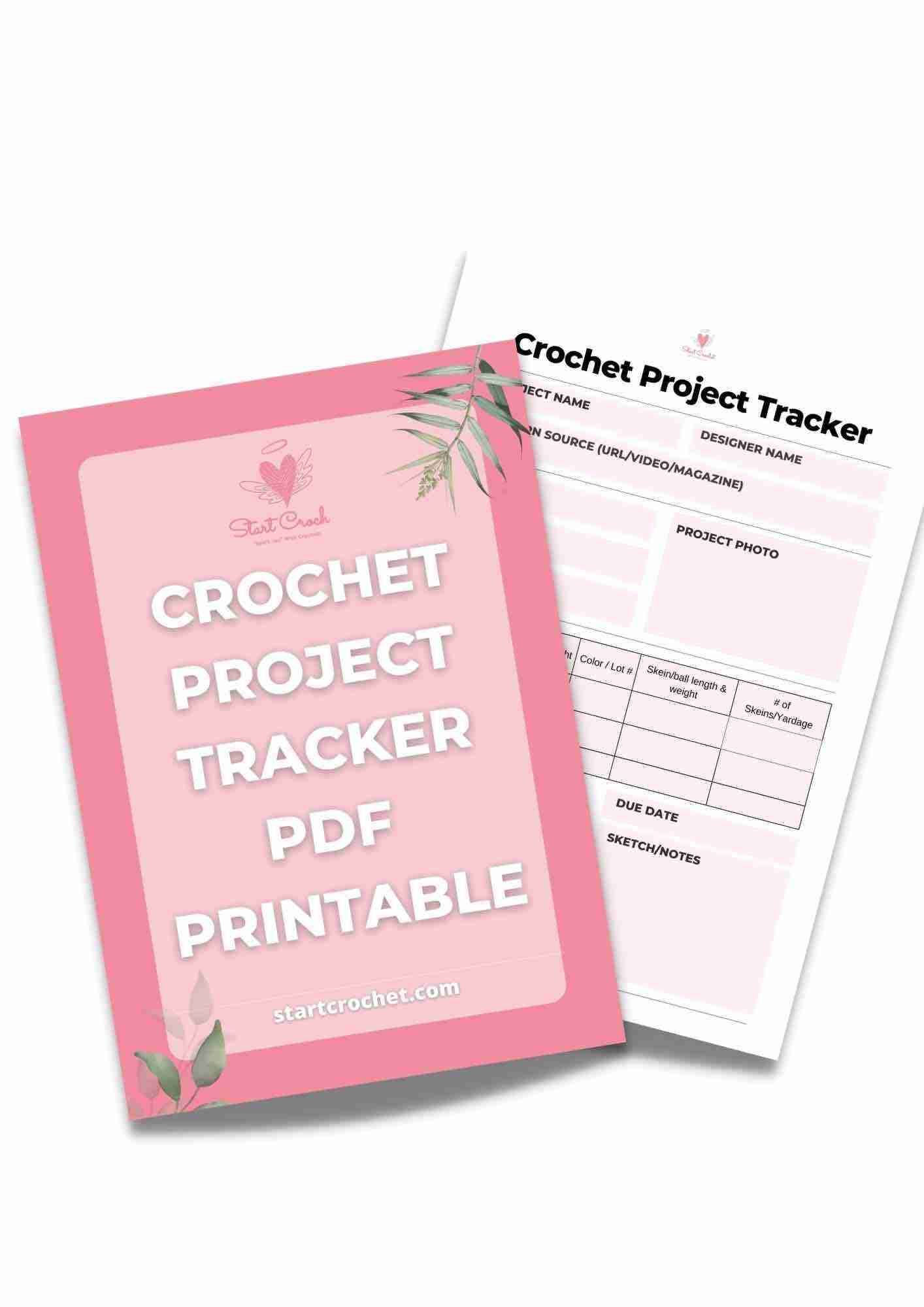
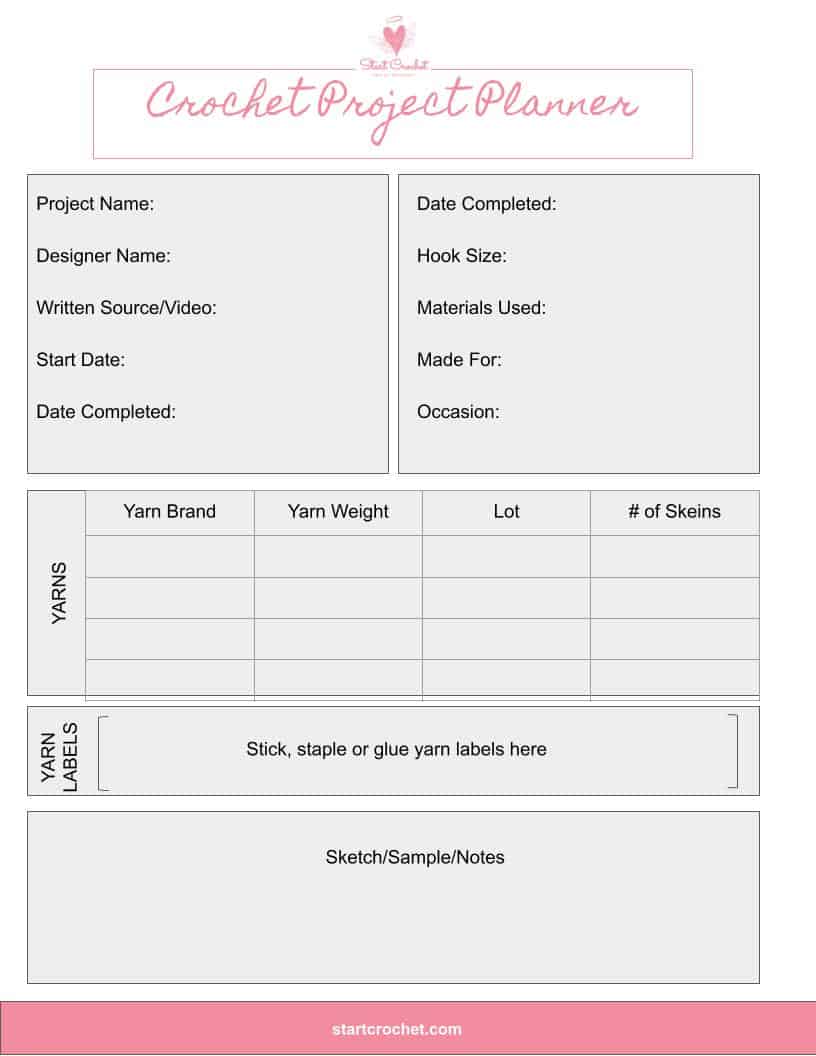
Have you started several crochet projects and are worried you won't remember your hook size, the yarn you used or which pattern you were following? Download this Free Crochet Project Tracker and keep it in your projects folder.
Crochet Project Tracker
Free Printable
Keep track of your crochet projects with these printable sheets.
Common Issues and Troubleshooting
Sometimes you might run into issues:
- Code not accepted: Make sure there are no extra spaces or missing characters.
- Project not showing as a test: Check that you saved your project after entering the code.
- Multiple tester codes: Some designers may use different codes for different rounds; double-check which one you should use.
If problems persist, contact the designer. They’ll usually help troubleshoot quickly.
Maximizing Your Testing Experience
Using a tester code correctly ensures your test project counts and helps designers create better patterns. By keeping your project up-to-date, giving detailed feedback, and following the designer’s instructions, you can make a meaningful contribution to the crochet and knitting community.
I hope you managed to create your own Ravelry project for your upcoming pattern test. If you have any questions about this, please leave them in the comment section below.
Happy testing!
May
Want to come back to this post later? Save it to Pinterest!
Disclaimer: Information in this crochet pattern is given for reference only. Even though I do my best to ensure all patterns have no mistakes, occasional errors may slip through.
No liability is accepted for variations in finished projects. Please get in touch with me at admin@startcrochet.com if you think there might be a mistake in the pattern or if you are unsure about how to interpret the instructions.
I’d love to see your finished item, so please tag me using @startcrochet.
Please follow my accounts to see what else I’m up to and to keep in touch:
YouTube: https://www.youtube.com/@StartCrochet
Facebook https://www.facebook.com/startcrochet
Pinterest: https://www.pinterest.com/startcrochet
Instagram https://www.instagram.com/startcrochet
Ravelry https://www.ravelry.com/people/StartCrochet
Etsy: https://startcrochetdesigns.etsy.com
LoveCrafts: https://www.lovecrafts.com/en-gb/user/Start-Crochet/5fccc556-8c97-4521-bcf0-0aadf9853faf
You may sell any finished products that you make from this pattern. However, when selling online, please include a link back to my blog startcrochet.com or tag me on social media with @startcrochet or with hashtag #startcrochet
Thank you!
© All rights for this crochet pattern design and photos are copyright and reserved to Start Crochet (May Shehab © 2024) . Copies and/or reproduction, translating, reselling or creating video tutorials of this pattern is a violation of the law.
Let's Keep in Touch :)
You May Also Like

About the Author
May
Follow me on socials here: